

The AutoWiki view in the Factory App at app.factory.ai/wiki lets you browse, search, and manage generated Wikis for all your repositories in one place.Documentation Index
Fetch the complete documentation index at: https://factory-changelog-may26.mintlify.app/llms.txt
Use this file to discover all available pages before exploring further.
What you’ll see
The top-level Wiki view lists every generated repository Wiki, with freshness indicators and controls for searching, filtering, and refreshing documentation.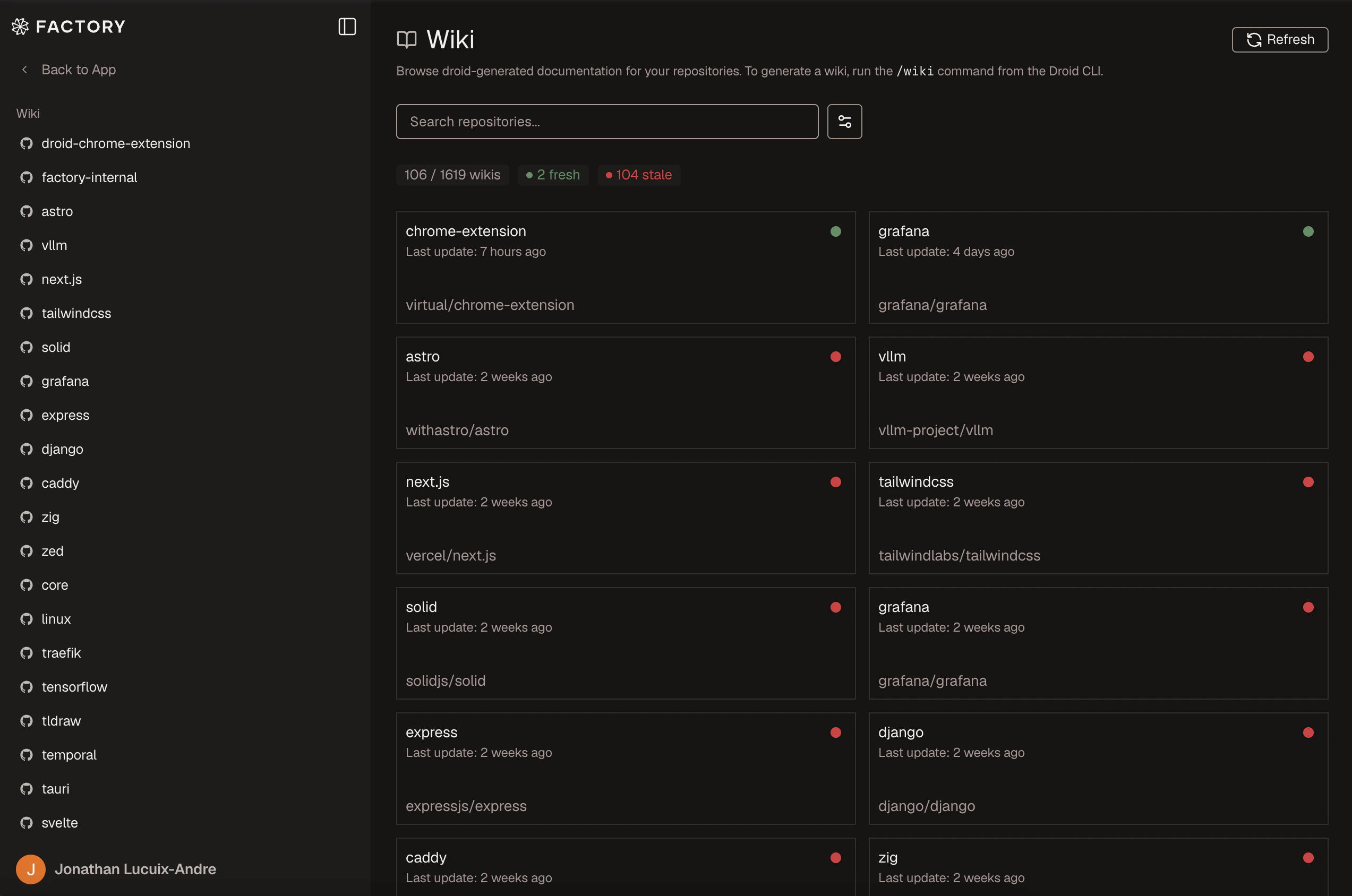
Browsing your Wikis
The main AutoWiki page shows a table of repositories with generated Wikis. Each row displays the repository name, last refresh date, and branch. Click a repository to open its Wiki.Wiki reader
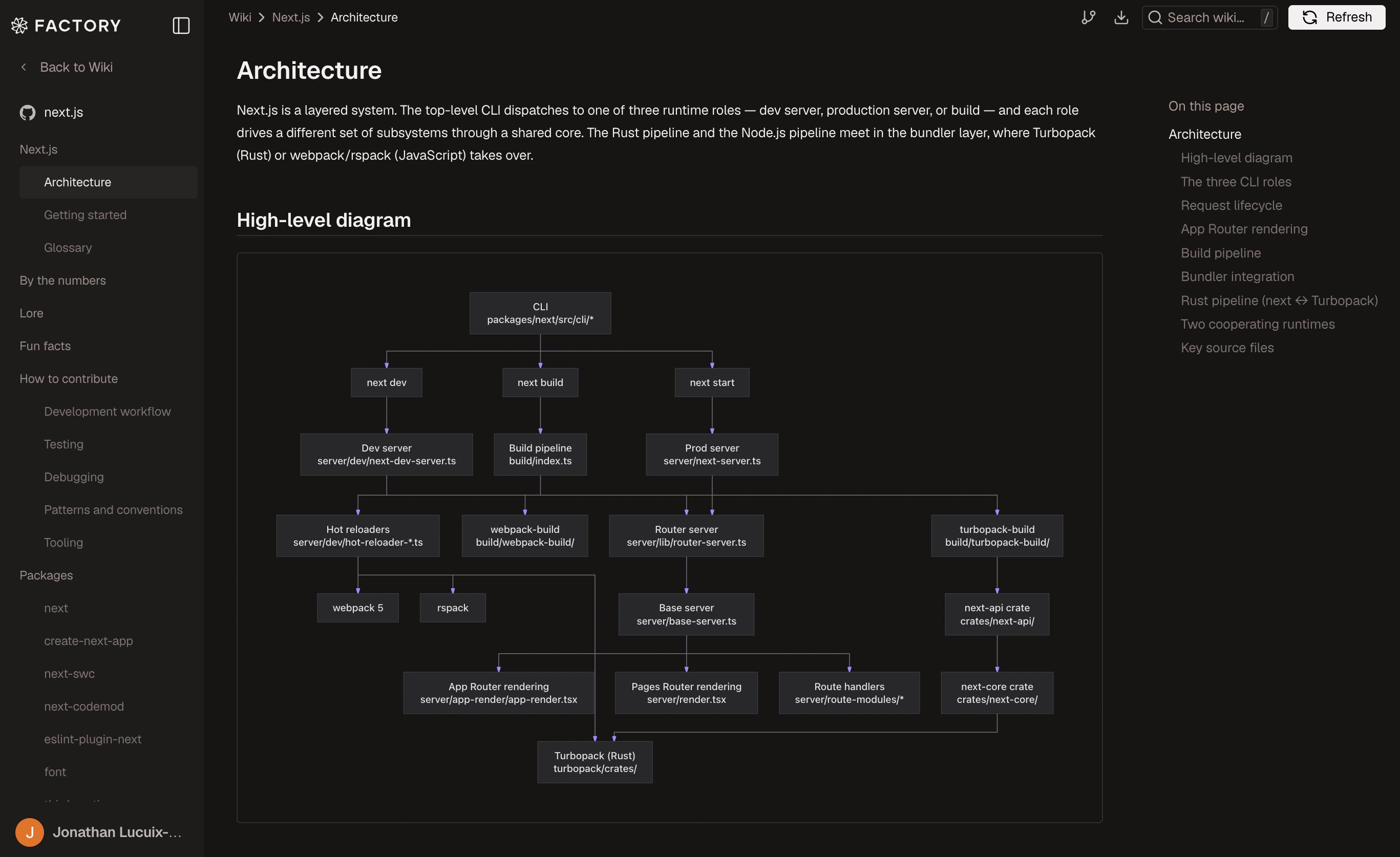
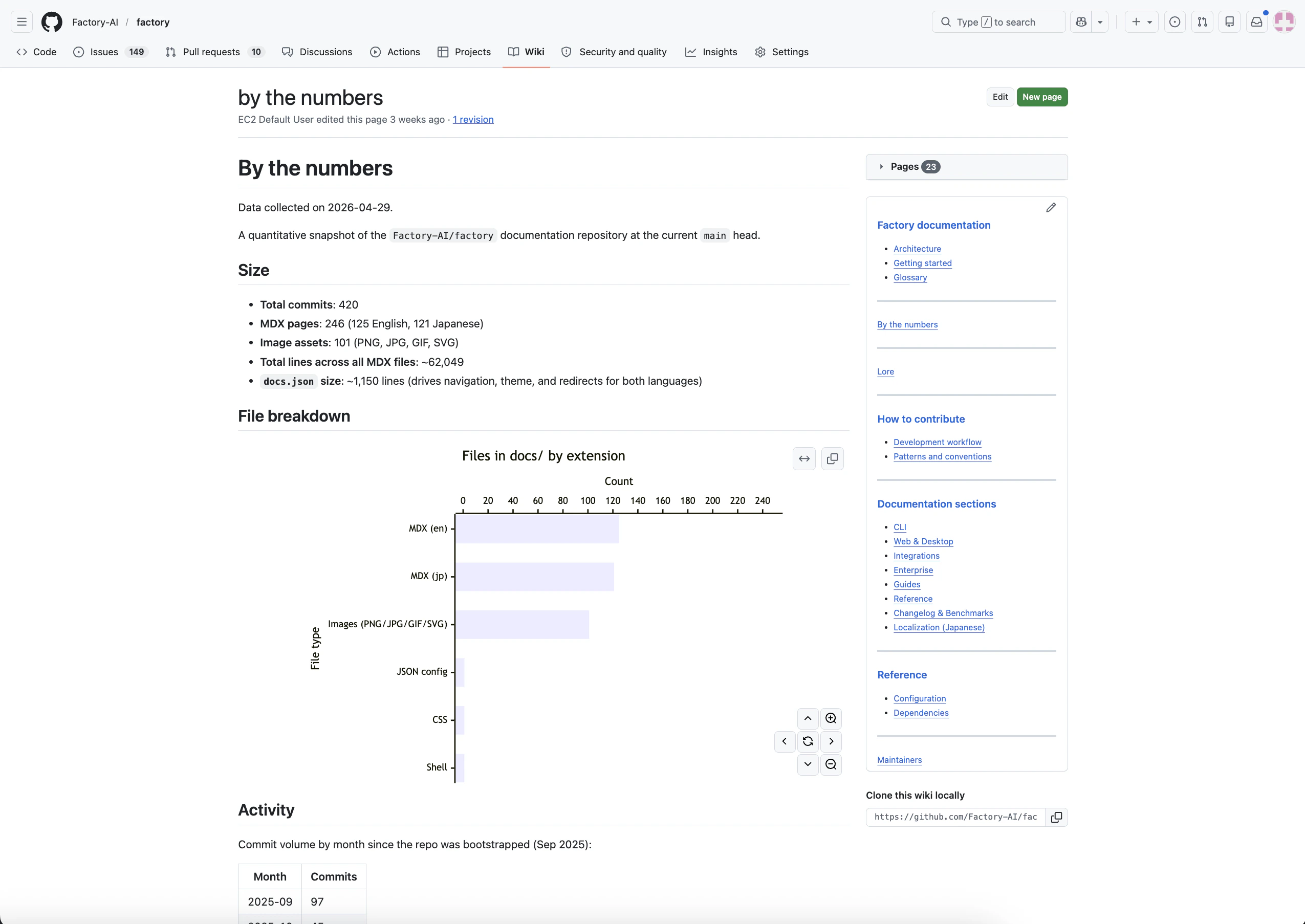
The Wiki reader provides:- Markdown rendering — Full-fidelity rendering of the generated documentation with syntax-highlighted code blocks
- Table of contents — A sidebar outline of the current page for quick navigation
- Breadcrumbs — Hierarchical navigation showing your position in the page tree
- Search — Full-text search across all generated pages
- Version history — A dropdown to browse previous Wiki generations and compare how documentation has evolved
- Export — Download the generated documentation as markdown files
Refreshing a Wiki
Click the Refresh button on a Wiki page to regenerate documentation. A modal presents two options:One-time refresh
Regenerate the Wiki once using the latest code on the default branch.
Recurring (on push)
Install a CI action that refreshes the Wiki on every push to the
default branch.
| Method | Description |
|---|---|
| Local | Copies the Droid CLI command (/wiki or /install-wiki) for you to paste into a local Droid session |
| Cloud | Runs the generation on a cloud template linked to the repository |
Batch refresh
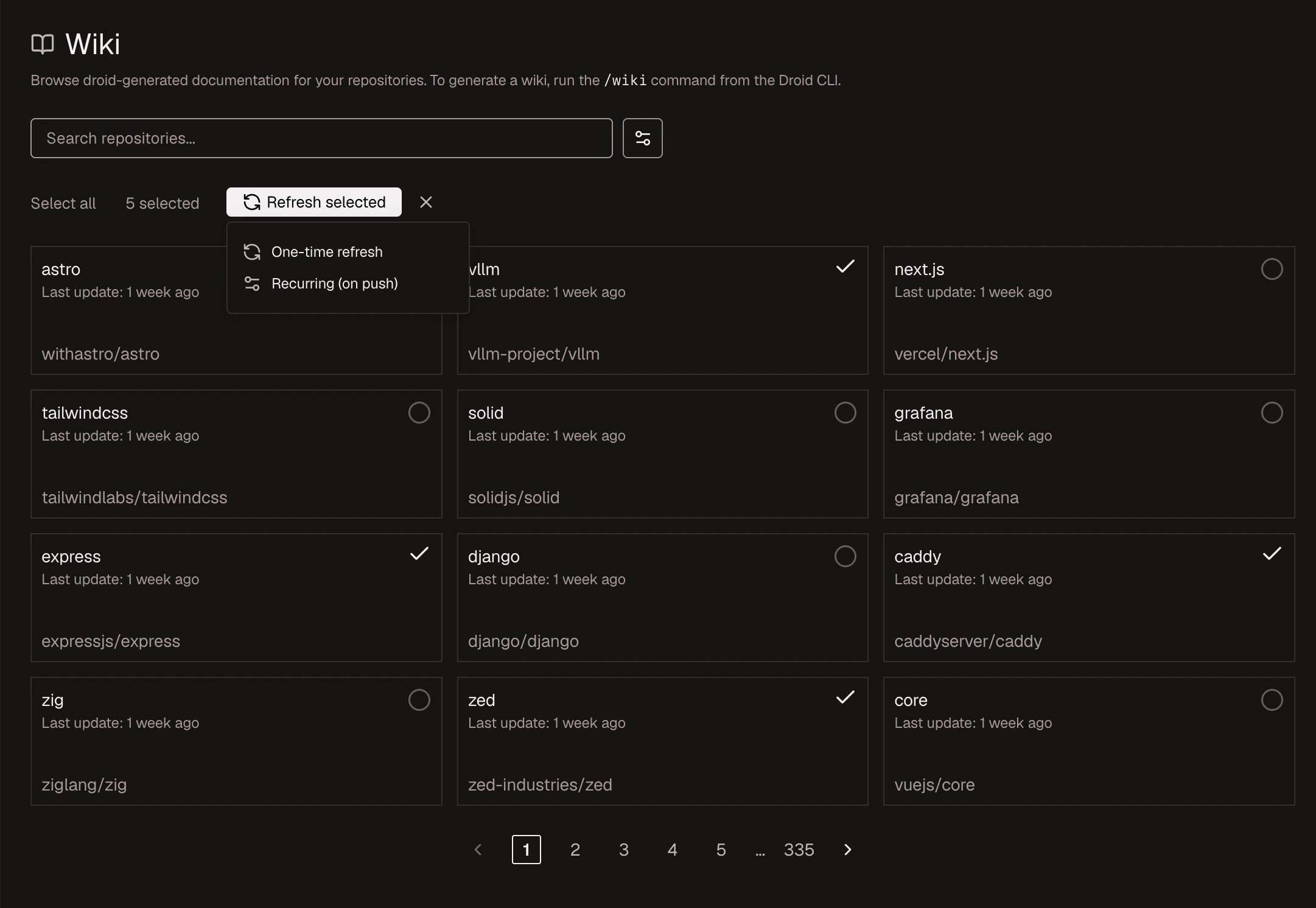
From the top-level AutoWiki page at app.factory.ai/wiki, you can refresh multiple repositories at once:- Click Refresh to enter selection mode
- Select the repositories you want to refresh
- Choose One-time or Recurring
- Select a Droid Computer to run the work
See also
- Generate a Wiki — Produce a Wiki from the Droid CLI with
/wiki - Set up AutoWiki refresh — Keep Wikis current with a CI action
- AutoWiki overview — How all the pieces fit together